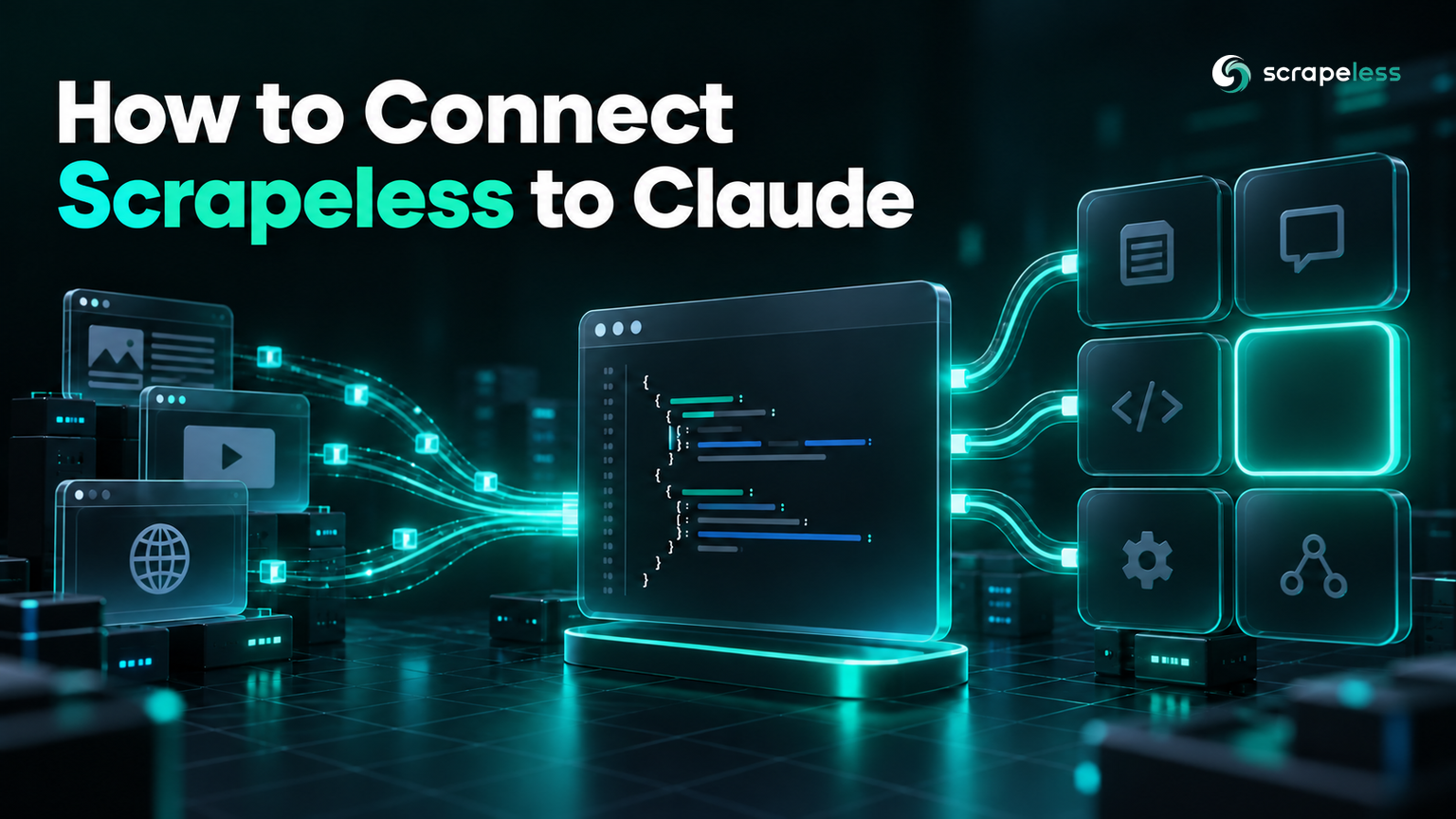
How to Connect Scrapeless to Claude: MCP Connector Setup

Lead Scraping Automation Engineer
TL;DR:
- Adding Scrapeless to Claude is one config entry: a remote HTTP MCP server at
https://api.scrapeless.com/mcpwith your key on anx-api-tokenheader. - The handshake returns
scrapeless-mcp-serverv0.2.0 on protocol2025-06-18, andtools/listreturns 25 tools —scrape_markdown, thebrowser_*set,crawl_*,google_search,google_trendsandai_scraper. - Scope decides whether it connects. The same entry at user scope reports
✔ Connected; in a project.mcp.jsonit reports⏸ Pending approvaland stays unconnected until you approve it interactively. - Scrapeless authenticates on
x-api-token, notAuthorization: Bearer. A Bearer header fails at connect time: Claude reports✘ Failed to connectwithHTTP 401. - Passing the key with
--headerputs it in your shell history and the process list; writing the config file directly does not. - A
Connectedstatus only proves the header is present — Scrapeless accepts any key value at the handshake and still lists all 25 tools. Prove the key with one real tool call that returns page content. - Get a key on the Scrapeless free plan and connect in about a minute.
Claude can reason about a web page in detail and cannot fetch one. An MCP server changes that: the model gets tools it can call mid-conversation, so "check what this page says now" stops being a request you answer by pasting.
Connecting Claude to the Scrapeless MCP server over remote HTTP takes one config entry. The parts worth care are the two scopes that behave differently and the difference between a connection that reports green and one that actually works.
What You Get Once It Is Connected
The server exposes 25 tools, enumerated live rather than copied from a doc:
| Group | Tools |
|---|---|
| Page content | scrape_markdown, scrape_html, scrape_screenshot |
| Cloud browser | browser_create, browser_goto, browser_click, browser_type, browser_get_text, browser_get_html, browser_snapshot, browser_screenshot, browser_scroll, browser_scroll_to, browser_wait, browser_wait_for, browser_press_key, browser_go_back, browser_go_forward, browser_close |
| Crawling | crawl_start, crawl_result, crawl_cancel |
| Search | google_search, google_trends |
| AI assistant answers | ai_scraper |
Two groups matter for different jobs. scrape_markdown answers "what does this page say" in one call. The browser_* set is a session you drive step by step, for anything behind a click or a form.
Every one of those calls travels as a JSON-RPC request under the hood — MCP is a transport and a schema over the JSON-RPC 2.0 specification, which is why an initialize / tools/list / tools/call sequence is all there is to the protocol surface.
Prerequisites
- Claude Code installed, or another MCP client that supports remote HTTP servers.
- A Scrapeless API key from the dashboard.
- Nothing to install for the server itself. It is hosted, so there is no package, no runtime, and no local process.
That last point is the difference between the two transports. An stdio server is a local command the client launches, which means a package to install and keep updated. A remote HTTP server is a URL, and the Model Context Protocol specification defines both; the streamable HTTP transport is the one that needs no local process at all.
Step 1: Add the Server
The Claude Code MCP reference documents the command as one line:
bash
claude mcp add --transport http scrapeless https://api.scrapeless.com/mcp \
  --header "x-api-token: YOUR_SCRAPELESS_API_KEY"
That works, and it has a cost worth knowing: everything after --header lands in your shell history and is visible in the process list while the command runs. Writing the config file directly avoids both.
For user scope, add the entry to ~/.claude.json:
json
{
  "mcpServers": {
    "scrapeless": {
      "type": "http",
      "url": "https://api.scrapeless.com/mcp",
      "headers": { "x-api-token": "YOUR_SCRAPELESS_API_KEY" }
    }
  }
}
Note the header name. Scrapeless authenticates on x-api-token, and most MCP setup guides show Authorization: Bearer because that is what the HTTP authentication framework defines for bearer credentials. Copying that shape here fails before the handshake completes: claude mcp list reports ✘ Failed to connect — Server rejected the configured Authorization header (HTTP 401), with the detail Unauthorized: Missing x-api-token header.
Step 2: Understand Which Scope You Used
Claude reads MCP config from more than one place, and the two behave differently in a way that produces a confusing first run.
At user scope, the server is live immediately:
text
scrapeless:
  Scope: User config (available in all your projects)
  Status: ✔ Connected
  Type: http
  URL: https://api.scrapeless.com/mcp
The identical entry in a project .mcp.json does not connect:
text
scrapeless:
  Scope: Project config (shared via .mcp.json)
  Status: ⏸ Pending approval (run `claude` to approve)
  Type: http
  URL: https://api.scrapeless.com/mcp
A project-scoped file is shared with everyone who checks out the repository, so it is gated behind an interactive approval before the client will talk to it. That is the right default — a config file in a repo can otherwise point your client at anything — but it means a project entry looks broken until someone opens a session and approves it.
Use user scope for a key that is yours. Use project scope when the whole team should get the server, and expect each person to approve it once.
Step 3: Confirm It Actually Works
✔ Connected means the handshake succeeded. It does not mean a call will.
Tool listing is answered by the MCP server itself and never reaches the upstream API, so a server can advertise a complete, healthy toolset while every real call fails on a credential. That is not hypothetical: a gateway fronting this same endpoint with a stale stored token listed its full toolset and returned an invalid-token error on the first real call, while the same endpoint with a good key returned HTTP 200.
So verify with a call, not a badge. Inside a Claude session, /mcp lists the connected servers and their tools; asking for a page exercises the path end to end:
text
Use scrapeless to fetch https://books.toscrape.com/catalogue/category/books/mystery_3/index.html
as markdown and list the first five book titles with their prices.
The underlying call and its result, captured directly against the endpoint:
text
initialize   HTTP 200   server=scrapeless-mcp-server v0.2.0
tools/list   HTTP 200   25 tools
tools/call scrape_markdown  HTTP 200  8940 chars of page content
Page content in the result is the confirmation worth having. With a wrong key the same call still returns HTTP 200 and no isError flag; the result text starts with Failed to fetch data instead.
What Comes Back
scrape_markdown returns the page as Markdown in the content block, which is the shape a model can actually use:
text
Response:  "-   [Home](https://books.toscrape.com/index.html)
-   [Books](https://books.toscrape.com/catalogue/category/books_1/index.html)
...
Markdown rather than HTML is deliberate. Through the MCP tools, the same page is 8,940 characters from scrape_markdown against 53,800 from scrape_html, so asking for HTML spends roughly six times the context on markup the model does not need. Reach for scrape_html when you are going to parse it yourself, and scrape_markdown when the model is the consumer.
Working through a connector setup right now? The Scrapeless free plan includes enough calls to get the handshake and the first few tool calls done.
A Router in Front Changes What Claude Sees
If your client points at a gateway that routes several MCP servers behind one URL rather than at the endpoint directly, the tool list changes shape. Pointed at a smart-routing gateway, the same client discovered 3 tools — the router's own search-and-dispatch meta-tools. Pointed at https://api.scrapeless.com/mcp, it discovered all 25.
Neither is wrong. A router keeps one credential and one audit trail across many providers, at the cost of the model seeing tool names one indirection away. Connecting directly gives the model the real tool surface. Pick per setup, and check the discovered count so you know which one you got.
Prompting It Well
Two habits make the difference between a connected server and a useful one.
Name the tool when the job is unambiguous. "Use scrape_markdown on this URL" skips a round of the model deciding how to fetch. For multi-step work — log in, filter, read the result — describe the sequence instead, because the browser_* tools share a session and the order matters.
Ask for the shape you want back. A model handed 8,940 characters of Markdown will summarise unless you tell it to return a table of titles and prices. The tool returns a document; the useful output is whatever you asked the model to make of it.
For the wider MCP picture, our MCP integration guide covers the protocol and the client landscape, and the Scraping API page describes the actor family these tools front. The docs carry the per-actor reference, and pricing lists what a call costs.
Conclusion
The whole connector is a URL, a header name, and a scope decision. https://api.scrapeless.com/mcp with x-api-token at user scope reports ✔ Connected and hands Claude 25 tools; the same entry in a project file waits for an approval that is easy to mistake for a broken setup.
Two things are worth carrying past the setup. The header is x-api-token, not Bearer — the Bearer shape is rejected with a 401 at connect time, so claude mcp list shows it failing straight away. And a green status is a handshake: one tools/call that returns real page content is the only evidence that the credential behind it is good.
Ready to give Claude a fetch it can call? Start with the Scrapeless free plan and add the server.
FAQ
Q: How do I add the Scrapeless MCP server to Claude?
Add one remote HTTP entry pointing at https://api.scrapeless.com/mcp with your key on an x-api-token header. Either run claude mcp add --transport http scrapeless https://api.scrapeless.com/mcp --header "x-api-token: ...", or write the same type/url/headers object into your config file — which keeps the key out of shell history.
Q: Why does my MCP server show as pending approval?
Because it is defined in a project .mcp.json rather than in your user config. A project file travels with the repository, so the client requires an interactive approval before connecting to it. The same entry at user scope connects immediately. Open a session and approve it, or move the entry to user scope if the key is yours alone.
Q: Should I use Authorization: Bearer or x-api-token?
x-api-token. Scrapeless reads that header specifically — a request without it returns 401 Unauthorized: Missing x-api-token header. A Bearer-only entry is rejected the same way at connect time, so Claude shows ✘ Failed to connect rather than ✔ Connected.
Q: How do I know the connection is really working?
Make one tool call. Status output tells you the handshake succeeded, and tool listings are served by the MCP server without contacting the upstream API, so both can look healthy in front of a rejected credential. A tools/call that returns real page content is the proof; a wrong key produces a result starting with Failed to fetch data, still without an isError flag.
Q: What is the difference between the stdio and HTTP transports here?
An stdio server is a local process the client launches, so it needs a package installed and kept current. The Scrapeless MCP server is hosted, so the HTTP transport needs only a URL and a header — no install, no local runtime, and no version to track on your machine.
Q: How many tools should I expect to see?
25 from the endpoint directly. If you see 3, your client is pointed at a routing gateway rather than the endpoint, and those three are the router's own dispatch tools. If you see a list naming Maps, Jobs, Hotels or Flights, that is an older tool set — check the count against a fresh tools/list.
Q: Does this work in Claude Desktop as well as Claude Code?
Both support MCP, but they read different config files, and Desktop's setup is commonly shown with a local stdio command instead of a URL. The remote HTTP entry above is the Claude Code shape; for the Desktop walkthrough see our earlier post on running the Scrapeless MCP server on Claude, and note that its tool list predates the current 25.
Q: Can I limit which tools the model can call?
Yes — that is a client-side permission concern rather than a server setting. Claude Code exposes allow and deny rules for tools, so a setup that only ever needs page content can permit scrape_markdown and leave the browser session tools unavailable. Narrow it to what the job needs.
At Scrapeless, we only access publicly available data while strictly complying with applicable laws, regulations, and website privacy policies. The content in this blog is for demonstration purposes only and does not involve any illegal or infringing activities. We make no guarantees and disclaim all liability for the use of information from this blog or third-party links. Before engaging in any scraping activities, consult your legal advisor and review the target website's terms of service or obtain the necessary permissions.