Factory Droid + Scrapeless: Add a Remote MCP Server

Senior Web Scraping Engineer
TL;DR:
droid mcp addconnects Scrapeless in one command. Use--type http, anx-api-tokenheader and--no-oauth; the entry lands in~/.factory/mcp.json.- Write the key as
${SCRAPELESS_API_KEY}, with braces. Droid expands that form and names the variable when it is unset, but it sends a bare$SCRAPELESS_API_KEYas literal text. - A project
.factory/mcp.jsoncan carry the reference safely. The key stays in each developer's environment, and the server lists asconnected [project]. droid mcp listseparates four different problems.connected,needs authentication,failed: Failed to connect to MCP serverand an unset-variable failure each point at a different fix.connectedproves the header arrived, not that the key works. A made-up key also lists as connected, so confirm with one tool call.- A headless tool call needs
--auto high, so scope it.droid exec --auto high --only-tools 'MCP:scrapeless/scrape_markdown'lets the run call that one tool and nothing else. - Get a key on the Scrapeless free plan and add the server in a couple of minutes.
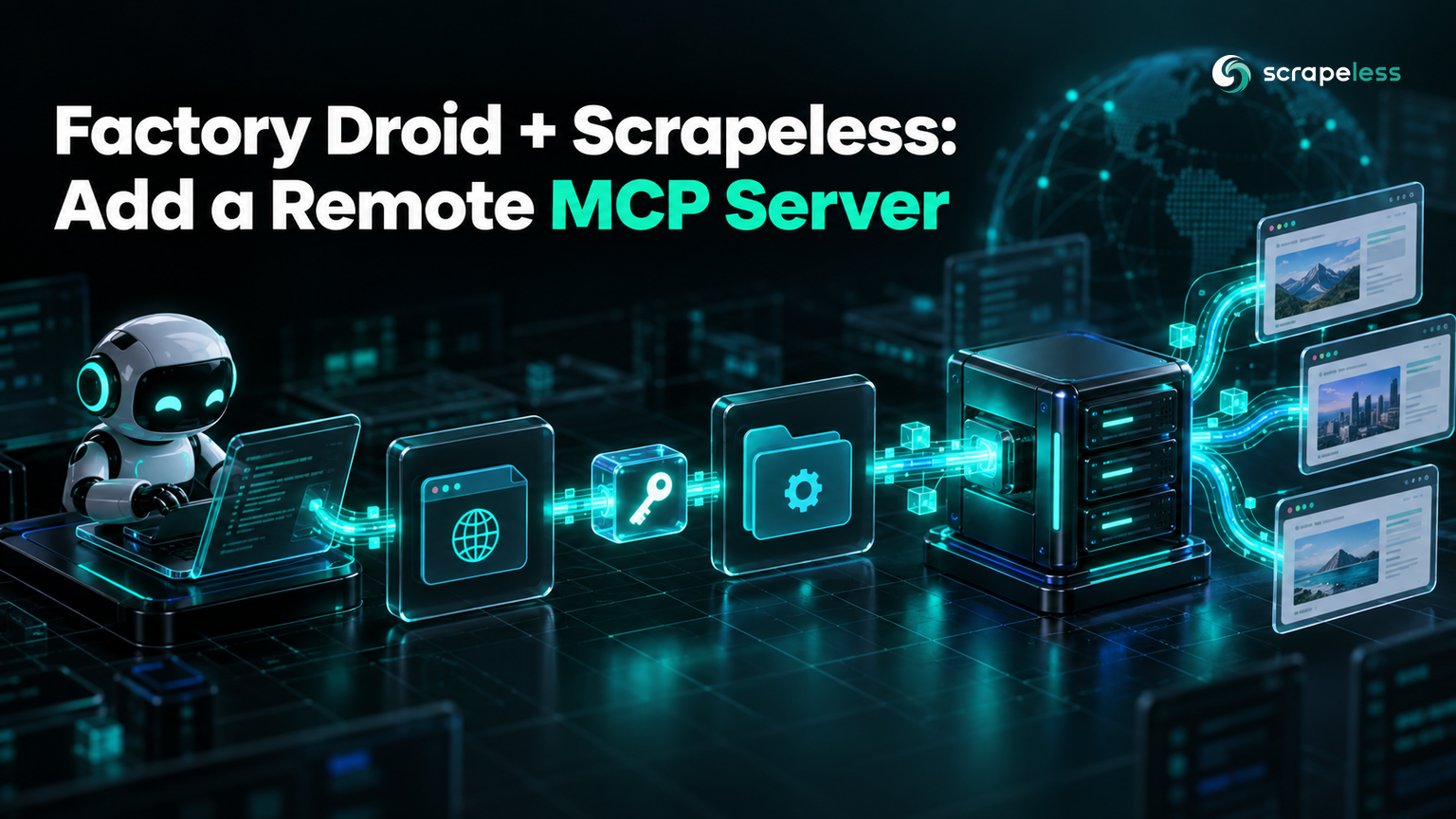
Factory Droid plans and edits code from your terminal, and droid exec runs the same agent headless in scripts and CI. Neither mode can look at a web page by itself. An MCP server gives Droid tools it calls during a task, and the hosted Scrapeless MCP server supplies page fetching, a cloud browser and search.
The setup is one command. What decides whether it holds up is how the key reaches the header, which config file the entry lives in, and what droid mcp list is actually reporting.
What Droid Can Call Once Scrapeless Is Added
The Scrapeless server exposes 25 tools. scrape_markdown, scrape_html and scrape_screenshot return a page in one call. Sixteen browser_* tools, from browser_create to browser_close, run a cloud browser session step by step. crawl_start, crawl_result and crawl_cancel manage a crawl. google_search and google_trends return search and trend data, and ai_scraper captures answers from AI assistants such as ChatGPT and Perplexity.
The MCP architecture separates the client that calls tools from the server that provides them, which is why Droid needs only a URL and a header to use a server hosted somewhere else.
Prerequisites
- Factory Droid CLI. This guide used versions 0.213.0 and 0.220.0.
- A signed-in Factory account, or
FACTORY_API_KEYset, for the step where the model runs a prompt. - A Scrapeless API key from the Scrapeless dashboard.
Step 1: Add the Server
bash
droid mcp add scrapeless https://api.scrapeless.com/mcp --type http --header "x-api-token: YOUR_SCRAPELESS_API_KEY" --no-oauth--type http selects the streamable HTTP transport; the default type is stdio, which would treat the URL as a command to launch. --no-oauth turns off the OAuth flow Droid otherwise offers for a header-authenticated remote server.
text
Added HTTP MCP server scrapeless with URL: https://api.scrapeless.com/mcpThe entry written to ~/.factory/mcp.json:
json
{
  "mcpServers": {
    "scrapeless": {
      "url": "https://api.scrapeless.com/mcp",
      "headers": {
        "x-api-token": "YOUR_SCRAPELESS_API_KEY"
      },
      "oauth": false,
      "disabled": false,
      "type": "http"
    }
  }
}
"oauth": false is what --no-oauth added. "disabled": false keeps the server active.
Step 2: Put a Variable Reference in the Header
The command above leaves a literal key in the file. Replace it with ${SCRAPELESS_API_KEY} so the file holds a name and your shell holds the value. The braces matter: Droid expands the braced form of POSIX parameter expansion and passes a bare $SCRAPELESS_API_KEY through unchanged.
json
{
  "mcpServers": {
    "scrapeless": {
      "url": "https://api.scrapeless.com/mcp",
      "headers": {
        "x-api-token": "${SCRAPELESS_API_KEY}"
      },
      "oauth": false,
      "disabled": false,
      "type": "http"
    }
  }
}
bash
export SCRAPELESS_API_KEY="your-scrapeless-api-key"
droid mcp list
text
Configured MCP servers:
  scrapeless  http  connected  [user]
When the variable is not set in that shell, Droid names it instead of failing vaguely:
text
scrapeless http failed: MCP server credential references an unset environment variable "SCRAPELESS_API_KEY" [user]Leave out the braces and that warning never appears. Droid sends the literal text $SCRAPELESS_API_KEY, the server still lists as connected, and the problem surfaces only on the first tool call.
Step 3: Share the Server Through a Project mcp.json
Droid also reads .factory/mcp.json from a project, so the server can live in the repository for everyone who clones it. A literal key in that file would be committed along with it, and hard-coded credentials are a catalogued software weakness for that reason. The braced reference is safe to commit because each developer supplies a key from their own environment. Save the same JSON as .factory/mcp.json in the repository root:
text
scrapeless http connected [project]The bracketed label is the scope Droid loaded the entry from, which is the quickest way to confirm that the project file is the one in effect. Without the variable, the project entry reports the same unset-variable failure, labelled [project].
Setting this up now? The Scrapeless free plan covers the connection and your first tool calls.
Step 4: Read What droid mcp list Reports
| Status | Cause | Fix |
|---|---|---|
connected |
The server accepted a request carrying an x-api-token header |
Make one tool call to confirm the key |
failed: … unset environment variable "SCRAPELESS_API_KEY" |
${SCRAPELESS_API_KEY} is referenced but not exported |
Export the variable in the shell that runs Droid |
needs authentication |
A 401 while OAuth is enabled, usually from an Authorization: Bearer header |
Use x-api-token and add --no-oauth |
failed: Failed to connect to MCP server |
A 401 with OAuth disabled, again usually a Bearer header | Use x-api-token |
The Bearer rows come up most because nearly every MCP example authenticates that way. Scrapeless answers a request without x-api-token with a 401 Unauthorized response, and with OAuth left on, Droid reads it as a sign-in request:
text
  scrapeless  http  needs authentication  [user]
Some servers need authentication. Start droid and run /mcp to authenticate.
Running /mcp does not resolve it, because the Scrapeless endpoint has no OAuth flow to complete. Change the header instead.
The status that can mislead is connected. The Scrapeless handshake accepts any non-empty x-api-token value, so a mistyped or revoked key lists exactly like a good one.
Step 5: Run Droid With Only Scrapeless Tools
droid exec runs one prompt headless, and it starts in read-only mode. A call to an MCP tool is beyond that mode: in Droid 0.220.0 the run stops with "insufficient permission to proceed", and --auto medium still answers "Re-run with --auto high". The --only-tools flag accepts MCP selectors, so pair the higher autonomy level with a selector that allows one tool:
bash
droid exec --auto high --only-tools 'MCP:scrapeless/scrape_markdown' "Use the scrapeless MCP server's scrape_markdown tool on https://example.com and reply with the first heading of the page, quoted exactly."Droid answers:
text
The first heading of the page is:

"Example Domain"
Adding --list-tools to the same selector shows what that run can reach. Droid names MCP tools <server>___<tool>, and scrapeless___scrape_markdown is the only one marked allowed, and the other 24 Scrapeless tools and Droid's built-in file and shell tools are marked blocked. 'MCP:scrapeless' allows all 25 Scrapeless tools instead, and --add-tools and --remove-tools accept the same selectors.
Page content in the result is the confirmation. With a bad key the same call still returns HTTP 200, and the result text starts with Failed to fetch data; Scrapeless does not mark that as an MCP error, so read the text rather than the status.
For more on the server itself, the Scrapeless MCP server announcement covers what it exposes and our MCP integration guide compares how agents reach a browser. The Browser MCP documentation has the configuration reference, the Scraping API page describes the actors behind the tools, and pricing lists what a call costs.
Conclusion
Adding Scrapeless to Droid is one command. Keeping the setup trustworthy comes down to what droid mcp list can and cannot see: the braced ${SCRAPELESS_API_KEY} reference lets Droid name a missing variable, --no-oauth turns a header mistake into a failure instead of a sign-in prompt, and only a tool call, not a connected status, proves the key works.
Put the braced reference in a project .factory/mcp.json and the whole team gets the server without anyone committing a key.
Ready to give Droid a live view of the web? Start with the Scrapeless free plan and add the server.
FAQ
Q: How do I add a remote MCP server with an API key to Factory Droid?
Run droid mcp add scrapeless https://api.scrapeless.com/mcp --type http --header "x-api-token: YOUR_SCRAPELESS_API_KEY" --no-oauth. The entry goes into ~/.factory/mcp.json, where you can replace the literal key with ${SCRAPELESS_API_KEY}.
Q: Does Droid expand environment variables in MCP headers?
Yes, in the braced form. ${SCRAPELESS_API_KEY} is replaced with the variable's value, and an unset variable produces a failed status that names it. A bare $SCRAPELESS_API_KEY is sent as literal text.
Q: Why does droid mcp list say needs authentication?
The server returned a 401 while OAuth was enabled, so Droid offers a sign-in. For Scrapeless that almost always means an Authorization: Bearer header. Use x-api-token and add --no-oauth; running /mcp cannot fix a header mismatch.
Q: What is the difference between ~/.factory/mcp.json and .factory/mcp.json?
~/.factory/mcp.json is your user config and applies in every project. .factory/mcp.json in a repository applies to that project, shows up as [project] in droid mcp list, and can be committed as long as the key is a ${SCRAPELESS_API_KEY} reference.
Q: Does connected mean my Scrapeless key is valid?
No. The Scrapeless handshake accepts any non-empty x-api-token value, so a wrong key also lists as connected. A tool call that returns page content is the proof; a bad key returns text starting with Failed to fetch data.
Q: How do I limit a droid exec run to Scrapeless tools?
Pass --only-tools 'MCP:scrapeless' for every Scrapeless tool, or 'MCP:scrapeless/scrape_markdown' for one, together with --auto high, which an MCP tool call needs. --add-tools and --remove-tools take the same selectors.
Q: How do I remove the Scrapeless server from Droid?
Run droid mcp remove scrapeless. The command deletes the entry from the config file that defines it.
At Scrapeless, we only access publicly available data while strictly complying with applicable laws, regulations, and website privacy policies. The content in this blog is for demonstration purposes only and does not involve any illegal or infringing activities. We make no guarantees and disclaim all liability for the use of information from this blog or third-party links. Before engaging in any scraping activities, consult your legal advisor and review the target website's terms of service or obtain the necessary permissions.