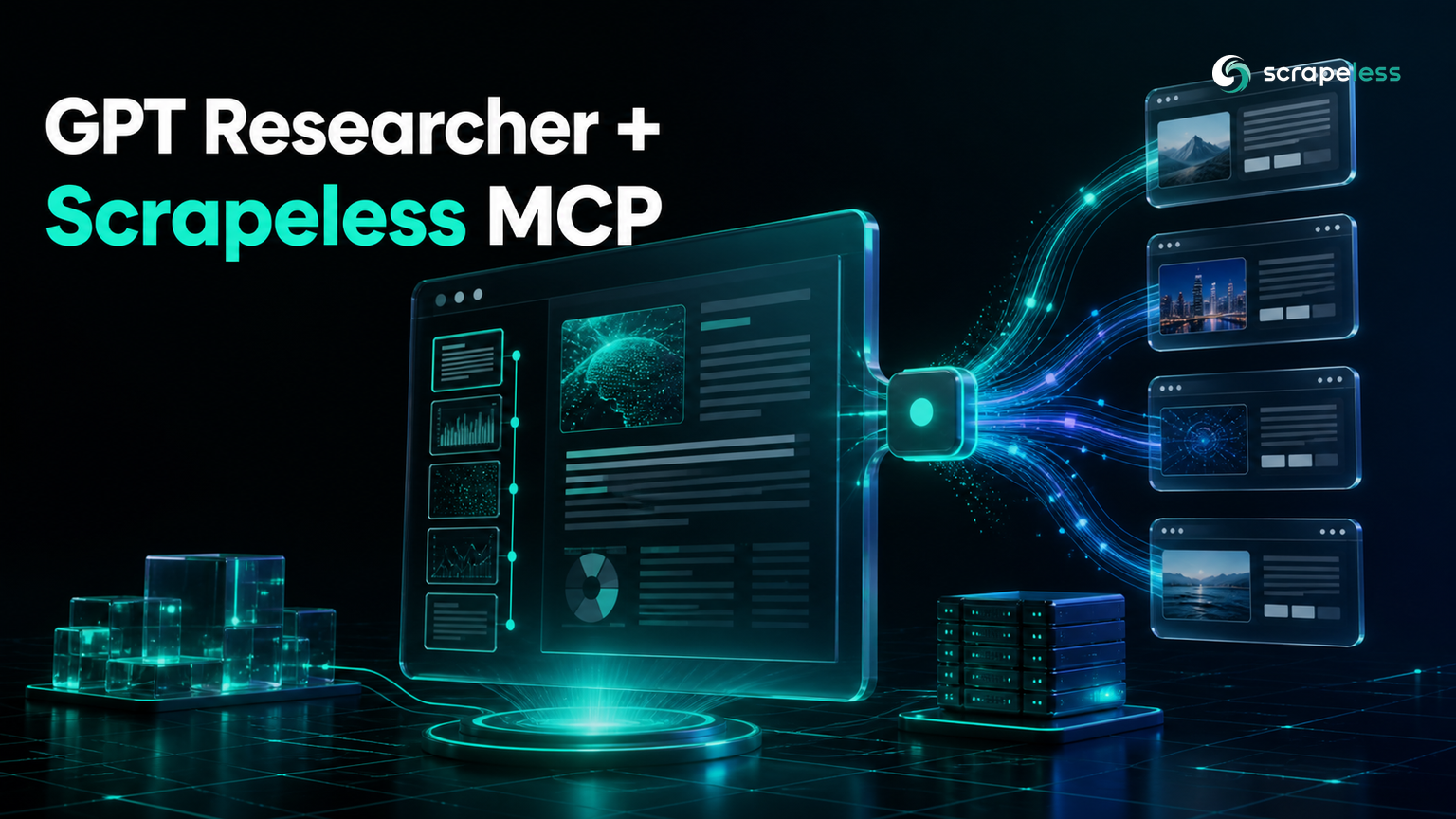
GPT Researcher + Scrapeless MCP: Give Your Research Agent a Real Fetch Layer

Senior Web Scraping Engineer
TL;DR:
- GPT Researcher reads the web through retrievers, and the
mcpretriever turns any MCP server into a research source — so the Scrapeless MCP Server becomes the layer that actually fetches pages. - Setting
RETRIEVER=mcpis mandatory. Passingmcp_configswithout it leaves the MCP retriever switched off, and the run falls back to whatever else is configured. - The stdio transport is the path that works today:
npx -y scrapeless-mcp-server@0.4.9withSCRAPELESS_KEYinenvloads all 21 tools. - The remote
connection_urlpath does not authenticate in the released client.connection_tokenreaches the transport as an unsupportedtokenargument, andconnection_headersnever reaches it at all. - Pin your versions.
gpt-researcher==0.16.0raisesNameErroron import, andmcpreleases from 1.28 onward disable MCP support insidelangchain-mcp-adapterswithout an error message. scrape_markdownonhttps://quotes.toscrape.com/returns 4308 characters of page content through the retriever, and you can call it before any model is involved.- Only the research run itself needs a model-provider key; loading and calling tools needs nothing but your Scrapeless key.
- Start on the Scrapeless free plan and give your research agent a real fetch layer.
GPT Researcher plans a query, searches, reads what it finds, and writes a cited report. The searching part is well served — it ships retrievers for Google, Bing, Brave, arXiv, PubMed, and more. The reading part is where autonomous research quietly degrades: a retriever hands back a list of URLs, and something still has to turn those URLs into text. When that fetch returns a challenge page or an empty shell, the report gets written anyway, from whatever thin content came back.
The mcp retriever changes what sits in that slot. Point GPT Researcher at an MCP server and the server's tools become the research surface, so page fetching runs through infrastructure built for it rather than a plain HTTP get. This guide wires GPT Researcher to the Scrapeless MCP Server, lists the tools it exposes, calls one for real, and marks exactly which step is the first to need a model-provider key.
What the Scrapeless MCP Server Gives a Research Agent
The Scrapeless MCP Server exposes scraping and browser tools over the Model Context Protocol, so the fetch layer is something your agent calls rather than something you build. One connection serves 21 tools: scrape_markdown and scrape_html for page content, google_search and google_trends for search data, scrape_screenshot for captures, and a 16-tool browser_* set that drives a cloud browser through navigation, clicks, typing, scrolling, and waits.
For a research agent the important one is scrape_markdown. GPT Researcher's report quality depends on the text it collects, and markdown is already the shape its context wants. The browser_* tools matter when a source only renders after interaction — they run on the Scrapeless cloud browser, so an agent can reach a rendered page without a browser on the research machine.
The protocol layer follows the Model Context Protocol specification, which carries its messages over the JSON-RPC 2.0 specification. If you want the protocol explained on its own terms first, What is MCP covers it, and LangChain + Scrapeless MCP shows the same server wired into a different stack.
Prerequisites
- Python 3.10 or later.
- Node.js on the machine running the research, because the stdio transport launches the server with
npx. - A Scrapeless API key from the dashboard, exported as
SCRAPELESS_KEY. - A model-provider key such as
OPENAI_API_KEY. GPT Researcher builds an embeddings client while constructing the researcher object, so this variable must be set before that step — everything up to and including calling MCP tools works without it.
Install
Version pinning is not optional here, and two specific pins are doing real work.
bash
pip install "gpt-researcher==0.15.1" "langchain-mcp-adapters==0.3.1" "mcp==1.27.2"gpt-researcher==0.16.0 cannot be imported. Its actions/query_processing.py defines a helper whose signature annotates Any and List several lines above the from typing import Any, List, Dict that would define them, and because annotations on a plain def are evaluated when the function object is built — the behavior the postponed-annotation proposal was written to change — the import raises NameError: name 'Any' is not defined before anything else runs. Version 0.15.1 does not have that ordering problem.
The mcp pin is subtler. langchain-mcp-adapters declares its requirement as mcp>=1.9.2, an unbounded floor in the sense described by the Python dependency-specifier specification, so a fresh install pulls whatever mcp is newest. Releases from 1.28 onward no longer export RequestContext from mcp.shared.context, which the adapter imports at module load. GPT Researcher catches that ImportError and sets an internal availability flag to false, so MCP does not fail loudly — it simply stops existing, and your research runs without ever touching the server.
Set your key in the shell rather than in source.
bash
export SCRAPELESS_KEY="your_api_key_here"Connect Over stdio and List the Tools
GPT Researcher's MCP layer takes a list of server configuration dictionaries. For a stdio server you give it a name, the command, its arguments, and any environment the server needs. MCPClientManager converts that into the transport configuration and runs the handshake.
python
import asyncio
import os

from gpt_researcher.mcp.client import MCPClientManager

SCRAPELESS = {
    "name": "scrapeless",
    "command": "npx",
    "args": ["-y", "scrapeless-mcp-server@0.4.9"],
    "env": {"SCRAPELESS_KEY": os.environ["SCRAPELESS_KEY"], "PATH": os.environ["PATH"]},
}


async def main() -> None:
    manager = MCPClientManager([SCRAPELESS])
    tools = await manager.get_all_tools()
    print("tool count:", len(tools))
    print("tools:", ", ".join(sorted(tool.name for tool in tools)))


asyncio.run(main())
Include PATH in env. The server process is spawned with exactly the environment you supply, so leaving PATH out means npx cannot be located.
The live server returns 21 tools with only the Scrapeless key set.
text
tool count: 21
tools: browser_click, browser_close, browser_create, browser_get_html, browser_get_text, browser_go_back, browser_go_forward, browser_goto, browser_press_key, browser_screenshot, browser_scroll, browser_scroll_to, browser_snapshot, browser_type, browser_wait, browser_wait_for, google_search, google_trends, scrape_html, scrape_markdown, scrape_screenshot
Why the Remote URL Path Does Not Work Yet
The configuration table in GPT Researcher's documentation lists connection_url and connection_token for remote servers, which reads like the natural fit for a hosted endpoint. In the released client neither key gets you an authenticated connection, and it is worth seeing why before you spend an afternoon on it.
Both failures are visible without a network call, because convert_configs_to_langchain_format is the function that decides what the transport receives.
python
from gpt_researcher.mcp.client import MCPClientManager

URL = "https://api.scrapeless.com/mcp"

with_token = MCPClientManager([
    {"name": "s", "connection_url": URL, "connection_token": "PLACEHOLDER"},
]).convert_configs_to_langchain_format()["s"]

with_headers = MCPClientManager([
    {"name": "s", "connection_url": URL, "connection_headers": {"x-api-token": "PLACEHOLDER"}},
]).convert_configs_to_langchain_format()["s"]

print("connection_token   ->", sorted(with_token))
print("connection_headers ->", sorted(with_headers))
text
connection_token   -> ['token', 'transport', 'url']
connection_headers -> ['transport', 'url']
connection_token becomes a token key, which the streamable-HTTP session factory does not accept — the connection attempt ends in _create_streamable_http_session() got an unexpected keyword argument 'token', and the tool list comes back empty.
connection_headers does not survive the conversion at all. The branch that would copy it tests server_config.get("connection_type"), but the conversion only ever writes a transport key, so the test never matches and the headers are dropped. Because the Scrapeless endpoint authenticates on an x-api-token header, the request then arrives unauthenticated. The tool list is empty for that reason too, which is why the two symptoms look identical from the outside.
Use stdio until a release ships that copies headers onto the transport. It reaches the same server and the same 21 tools.
Call a Tool Before the Agent Exists
Tools loaded through the MCP client are ordinary callables, so you can exercise the fetch layer on its own. This is the cheapest way to confirm your key and transport are right, and it needs no model-provider key.
python
import asyncio
import os

from gpt_researcher.mcp.client import MCPClientManager

SCRAPELESS = {
    "name": "scrapeless",
    "command": "npx",
    "args": ["-y", "scrapeless-mcp-server@0.4.9"],
    "env": {"SCRAPELESS_KEY": os.environ["SCRAPELESS_KEY"], "PATH": os.environ["PATH"]},
}


def as_text(result) -> str:
    if isinstance(result, str):
        return result
    if isinstance(result, (list, tuple)):
        parts = [b["text"] for b in result if isinstance(b, dict) and "text" in b]
        if parts:
            return "\n".join(parts)
    return str(result)


async def main() -> None:
    manager = MCPClientManager([SCRAPELESS])
    tools = await manager.get_all_tools()
    scrape = next(tool for tool in tools if tool.name == "scrape_markdown")
    text = as_text(await scrape.ainvoke({"url": "https://quotes.toscrape.com/"}))
    print("characters:", len(text))
    print("first line:", text.split("\n")[0])


asyncio.run(main())
The call returns the page as markdown, wrapped in the content-block envelope the protocol defines. as_text flattens that envelope, which matters because the raw return is a list of blocks rather than a string.
text
characters: 4308
first line: Response:
Hand the Configuration to the Researcher
With the transport proven, the same dictionary goes into GPTResearcher. Two things have to line up: RETRIEVER must name mcp, and mcp_configs must carry the server. Miss the environment variable and the MCP retriever is never constructed, which is the single most common way this integration appears to do nothing.
Note: this block is a prerequisite gap.
GPTResearcherconstructs an embeddings client during__init__, so it needsOPENAI_API_KEYpresent before the object exists, andconduct_researchspends real model credits. The verification environment for this article had no model-provider key, so the wiring below was confirmed up to and including retriever resolution, and the research call itself was not executed.
python
import asyncio
import os

os.environ["RETRIEVER"] = "mcp"

from gpt_researcher import GPTResearcher

SCRAPELESS = {
    "name": "scrapeless",
    "command": "npx",
    "args": ["-y", "scrapeless-mcp-server@0.4.9"],
    "env": {"SCRAPELESS_KEY": os.environ["SCRAPELESS_KEY"], "PATH": os.environ["PATH"]},
}


async def main() -> None:
    researcher = GPTResearcher(
        query="Which quotes and authors appear on quotes.toscrape.com?",
        mcp_configs=[SCRAPELESS],
    )
    await researcher.conduct_research()
    report = await researcher.write_report()
    print(report)


asyncio.run(main())
The assignment has to land before GPTResearcher is constructed, because the researcher reads the environment while building its configuration object. Putting it above the import, as here, is just the ordering that is hardest to get wrong.
RETRIEVER=mcp makes Scrapeless the only research source, which suits questions about specific pages. RETRIEVER=tavily,mcp and similar combinations keep a search engine alongside it, so the agent finds candidate sources one way and reads them the other. There is also MCP_STRATEGY, which defaults to fast and runs the MCP step once against the main query; deep runs it for every generated sub-query and costs proportionally more.
Ready to give your research agent a fetch layer that holds up on real sources? Create a free Scrapeless account and connect it in a few lines.
Conclusion
The wiring is short once the version pins and the transport choice are settled: install gpt-researcher==0.15.1 against mcp==1.27.2, set RETRIEVER=mcp, and pass a stdio mcp_configs entry pointing at scrapeless-mcp-server. That yields 21 tools, and scrape_markdown returns real page content before a model is ever involved — which makes the fetch layer testable on its own rather than something you debug through a finished report.
The two traps are worth remembering because neither announces itself. An unpinned mcp turns MCP support off silently, and the remote connection_url path drops your credentials on the floor. Both produce the same symptom of an agent that researches without ever calling your server. Check the tool count first; if it is not 21, nothing downstream will behave.
Compare plans on the Scrapeless pricing page, and the full tool reference lives in the Scrapeless documentation.
FAQ
Q: Do I need a model-provider key just to test the MCP connection?
No. Loading tools and calling them runs entirely through the MCP client, so a Scrapeless key is enough to confirm the transport works and to call scrape_markdown on a real URL. The model key becomes necessary the moment you construct GPTResearcher, because an embeddings client is built during initialization.
Q: Why does my run ignore the MCP server even though I passed mcp_configs?
The RETRIEVER environment variable is almost always the cause. mcp_configs alone does not enable the MCP retriever; RETRIEVER has to name mcp, either alone or in a list such as tavily,mcp. Set it before you construct GPTResearcher, since the value is read while the researcher builds its configuration.
Q: Can I connect to the hosted Scrapeless endpoint instead of running the server locally?
Not through mcp_configs in the released client. connection_token is passed to the streamable-HTTP session as an argument it does not accept, and connection_headers is dropped during config conversion before it reaches the transport. The stdio transport connects to the same server and exposes the same 21 tools, so it is the working path today.
Q: What is the difference between the fast and deep MCP strategies?
fast, the default, runs the MCP step once using the main query. deep runs it for every sub-query the agent generates, which broadens coverage and multiplies both tool calls and model spend. Start on fast and move to deep only when a specific report is coming back thin.
Q: Should I use RETRIEVER=mcp on its own or combine it with a search retriever?
Use mcp alone when you already know which pages matter, because the agent skips sub-query generation and works the sources you point it at. Combine it, as in tavily,mcp, when discovery is part of the job — the search retriever finds candidates and the MCP tools read them.
Q: Why pin mcp rather than take the newest release?
langchain-mcp-adapters requires mcp>=1.9.2 with no upper bound, so a fresh environment installs the newest release. From 1.28 onward RequestContext is no longer exported from mcp.shared.context, the adapter's import fails, and GPT Researcher records MCP as unavailable rather than raising. Pinning mcp==1.27.2 keeps the adapter importable.
Q: Is the tool count something I should check in my own setup?
Yes, and it is the fastest diagnostic available. A count of 21 means the transport, the key, and the adapter are all working. Zero means the connection never authenticated, and any exception during get_all_tools is logged rather than raised, so an empty list is what a failed connection looks like from your code.
Q: What does scrape_markdown actually return?
A list of protocol content blocks rather than a plain string, with the page markdown on the text block. Flatten it before measuring or storing it — treating the return value as a string yields the Python representation of the list instead of the page.
At Scrapeless, we only access publicly available data while strictly complying with applicable laws, regulations, and website privacy policies. The content in this blog is for demonstration purposes only and does not involve any illegal or infringing activities. We make no guarantees and disclaim all liability for the use of information from this blog or third-party links. Before engaging in any scraping activities, consult your legal advisor and review the target website's terms of service or obtain the necessary permissions.