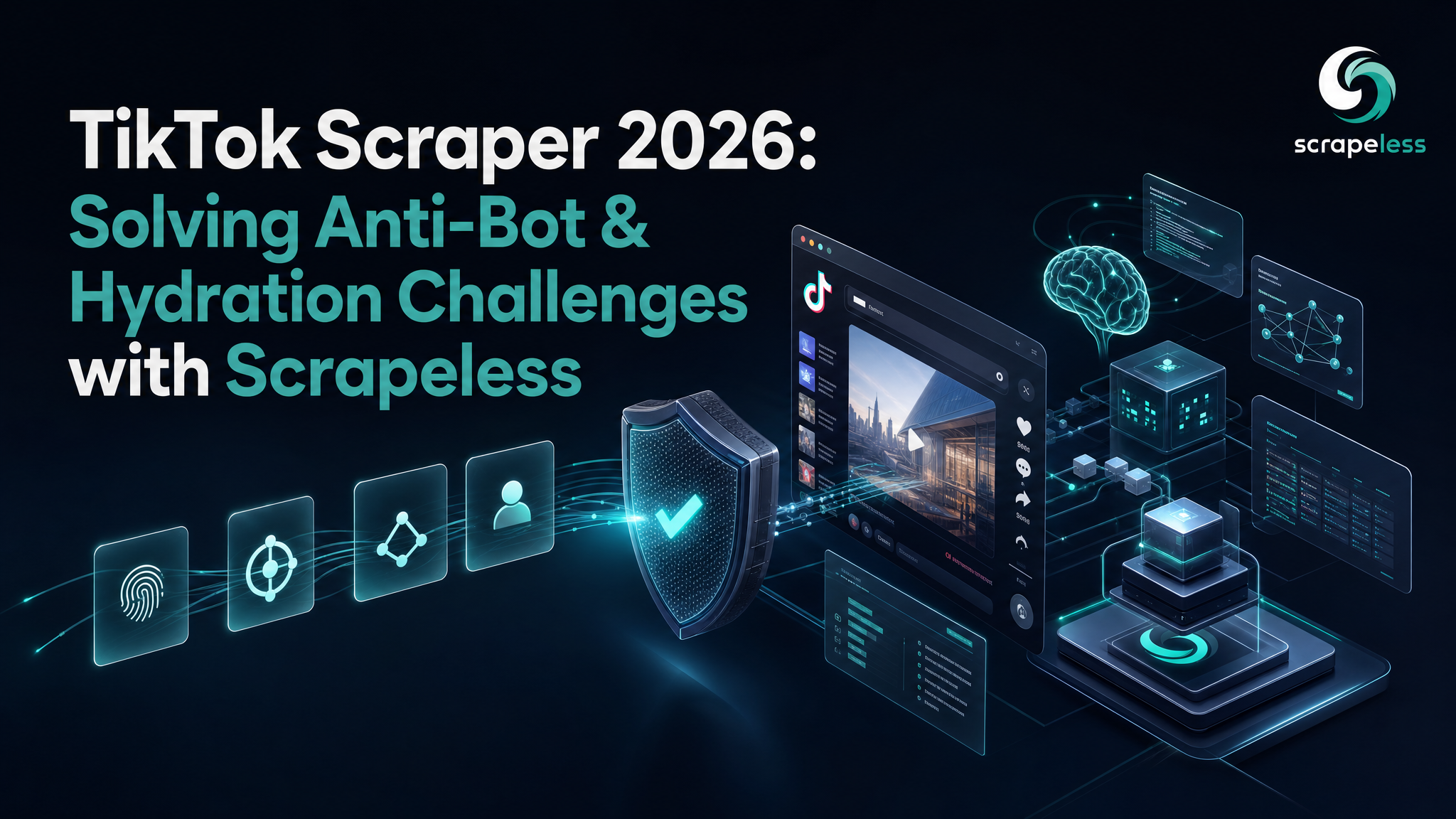
TikTok Scraper 2026: Solving Anti-Bot & Hydration Challenges with Scrapeless

Advanced Data Extraction Specialist
TL;DR:
- TikTok ships its data in the page, then hydrates the rest over XHR. Profiles and the first posts live in a
#__UNIVERSAL_DATA_FOR_REHYDRATION__JSON blob; comments and deeper posts arrive as scroll-triggered XHR you capture from the network. - Region is part of getting a clean render. The same profile that times out from one egress renders immediately from another — pin
proxyCountryand give the session enough TTL for the hydration XHRs to land. - You extract from the network, not by guessing selectors. Listen for
xhr/fetchresponses while the page scrolls and parse the JSON TikTok already returns — no brittle DOM scraping of the video grid. - TikTok fingerprints hard, so the browser has to be real. Running on Scrapeless Scraping Browser — anti-detection Chromium with residential egress — is what gets the hydration to happen at all.
- One session, five surfaces. Profiles, posts, comments, search, and channel all reduce to the same render-then-extract pattern over a single cloud session.
- Free to start. New Scrapeless accounts include free Scraping Browser runtime — sign up at app.scrapeless.com.
Introduction: where TikTok keeps its data
TikTok renders its web pages in two phases. The initial HTML carries a large JSON island — a <script id="__UNIVERSAL_DATA_FOR_REHYDRATION__"> blob — that holds the profile, its stats, and the first page of posts. Everything past that (more posts as you scroll, comment threads, search pages) is fetched over XHR after the page boots. So scraping TikTok is two techniques: read the rehydration JSON for what's already there, and capture the XHR responses for what loads on demand.
Both phases depend on TikTok believing a real browser is driving. The platform fingerprints aggressively, and a plain HTTP request or a default headless browser gets a shell with no usable data. The render simply doesn't complete.
This guide runs on Scrapeless Scraping Browser — an anti-detection cloud browser that pairs self-developed Chromium with residential proxies — connected to Puppeteer over CDP. The profile extraction below was captured live; the post and comment patterns use the same render-then-read-the-network approach. Public data only throughout.
What You Can Do With It
- Pull a creator profile — bio, verification, follower/heart/video counts — from the rehydration JSON.
- Collect a creator's posts with captions, video metadata, author, and engagement stats.
- Scrape comment threads with text, like counts, reply counts, and author handles.
- Run keyword search and capture the result feed.
- Walk a channel/hashtag feed with the same scroll-and-capture loop.
Why Scrapeless Scraping Browser
Scrapeless Scraping Browser is a customizable, anti-detection cloud browser designed for web crawlers and AI agents. For TikTok specifically, it brings:
- Self-developed Chromium — a real engine, so the rehydration JSON populates and the XHRs fire.
- Anti-detection fingerprinting — the session reads as a normal browser, so TikTok serves real data instead of an empty shell.
- Residential proxies in 195+ countries — pin egress by country so the page renders cleanly and consistently.
- Configurable session TTL — keep the session alive long enough for scroll-triggered XHRs to land before teardown.
- A standard Puppeteer connection — mint a session with the SDK, then
puppeteer.connect()over CDP; your extraction is plain Puppeteer.
Get your API key on the free plan at app.scrapeless.com.
Prerequisites
- Node.js 18 or newer
- A Scrapeless account and API key — sign up at app.scrapeless.com
- Basic familiarity with Puppeteer and JSON
Install
bash
npm install @scrapeless-ai/sdk puppeteer-core
bash
export SCRAPELESS_API_KEY="your_api_token_here"Step 1 — Mint a session and connect Puppeteer
The SDK creates the cloud session (where you pin the proxy country and TTL) and returns a WebSocket endpoint; Puppeteer connects to it over CDP:
javascript
import { Scrapeless } from '@scrapeless-ai/sdk';
import puppeteer from 'puppeteer-core';

const client = new Scrapeless({ apiKey: process.env.SCRAPELESS_API_KEY });

const { browserWSEndpoint } = await client.browser.create({
  proxyCountry: 'US',   // pin egress — region affects whether the page renders
  sessionTTL: 300,      // seconds; long enough for hydration XHRs to land
});

const browser = await puppeteer.connect({ browserWSEndpoint });
const page = await browser.newPage();
A real-world note from running this: the same profile that timed out repeatedly from one egress region rendered on the first try from another. If a render hangs, switch proxyCountry before anything else.
Step 2 — Scrape a profile from the rehydration JSON
The profile, its stats, and the first posts are already in the page when it loads — inside the #__UNIVERSAL_DATA_FOR_REHYDRATION__ script tag. Wait for that node, parse it, and read the webapp.user-detail scope:
javascript
await page.goto('https://www.tiktok.com/@oddanimalspecimens', {
  waitUntil: 'domcontentloaded',
  timeout: 120000,
});
await page.waitForSelector('#__UNIVERSAL_DATA_FOR_REHYDRATION__', { timeout: 60000 });

const userInfo = await page.evaluate(() => {
  const el = document.getElementById('__UNIVERSAL_DATA_FOR_REHYDRATION__');
  const data = JSON.parse(el.textContent);
  return data.__DEFAULT_SCOPE__['webapp.user-detail'].userInfo;
});

console.log(userInfo.user.uniqueId, '—', userInfo.stats);
This returns TikTok's own userInfo object verbatim — a user object and a stats object. No DOM scraping; you're reading the data TikTok shipped to render its own page.
Get your API key on the free plan: app.scrapeless.com
Step 3 — Capture posts and comments from XHR
Posts past the first page, and all comment threads, arrive as XHR after the page boots and as you scroll. The pattern is to attach a response listener before navigating, scroll to trigger the fetches, then parse the JSON bodies:
javascript
const xhrCalls = [];
page.on('response', async (resp) => {
  const rt = resp.request().resourceType();
  if (rt !== 'xhr' && rt !== 'fetch') return;
  try {
    xhrCalls.push({ url: resp.url(), body: await resp.text() });
  } catch { /* some bodies aren't readable; skip */ }
});

await page.goto('https://www.tiktok.com/@oddanimalspecimens', { waitUntil: 'domcontentloaded' });

// Scroll to trigger lazy-loaded posts/comments
for (let i = 0; i < 5; i++) {
  await page.evaluate(() => window.scrollBy(0, document.body.scrollHeight));
  await new Promise((r) => setTimeout(r, 2000));
}

// Filter for the item/comment list endpoints and JSON.parse the bodies
const itemLists = xhrCalls.filter((c) => /\/api\/(post|comment)\//.test(c.url));
From there you JSON.parse each captured body and pull the item or comment arrays. This is the same render-then-read-the-network approach as the profile, just driven by scrolling instead of a single hydration blob.
What You Get Back
The profile extraction returns TikTok's userInfo object. The shape below is exactly what the live run emitted; the counts are a real capture and will move over time:
json
{
  "user": {
    "id": "...",
    "uniqueId": "oddanimalspecimens",
    "nickname": "Odd Animal Specimens",
    "avatarLarger": "https://...",
    "signature": "...",
    "verified": false,
    "secUid": "...",
    "privateAccount": false
  },
  "stats": {
    "followerCount": 4000000,
    "followingCount": 9,
    "heartCount": 78000000,
    "videoCount": 179,
    "diggCount": 0,
    "friendCount": 6
  }
}
// Shape is TikTok's userInfo verbatim; string fields shown as "..." are an illustrative sample, counts are a real capture and move over time.
A few honest observations:
- The
userobject is wide — TikTok includes dozens of fields (settings, secUid, relation flags). Read the handful you need; ignore the rest. heartandheartCountboth appear and carry the same total — useheartCount.- Counts round at scale. Large accounts report rounded totals (e.g. 4,000,000) the same way TikTok shows them in the UI.
- Region matters for the render, not just the data. Pin
proxyCountryand give the session enough TTL.
Conclusion: one pattern across every TikTok surface
Scraping TikTok comes down to two reads: parse #__UNIVERSAL_DATA_FOR_REHYDRATION__ for what's already in the page, and capture XHR responses for what hydrates on scroll. Profiles, posts, comments, search, and channels are all variations on that single render-then-extract loop. Running it on Scrapeless Scraping Browser is what makes the render happen — anti-detection Chromium plus residential egress, so TikTok serves real data instead of an empty shell. For an ecommerce variant of the same SDK-over-CDP pattern, see the Etsy scraper guide; the Scraping Browser product page and docs cover the full SDK surface. Pin the region, extend the TTL for scroll-heavy surfaces, and read the JSON TikTok already hands you.
Ready to Build Your AI-Powered Data Pipeline?
Join our community to claim a free plan and connect with developers building social-data pipelines: Discord · Telegram.
Sign up at app.scrapeless.com for free Scraping Browser runtime and adapt the patterns above to the profiles, queries, and channels your workflow needs. See pricing for scale.
FAQ
Q: Is scraping TikTok legal?
Collecting publicly visible data is generally permissible, but rules vary by jurisdiction and TikTok's Terms of Service apply. Scrape only public data, review the ToS, and consult counsel for your use case.
Q: Why does my scrape return an empty page or time out?
Two common causes: the egress region TikTok routes you through, and a session that ends before hydration finishes. Pin proxyCountry (switch it if a render hangs) and raise sessionTTL.
Q: Do I need a proxy?
Yes. TikTok weighs IP reputation heavily; pin residential egress with proxyCountry so the page renders and the XHRs fire.
Q: How do I get posts beyond the first page?
Scroll the page to trigger the lazy-loaded XHR requests and capture them with a response listener, then parse the JSON bodies — the rehydration blob only holds the first batch.
Q: The DOM markup changed and my selectors broke. What now?
Lean on the JSON sources — the rehydration blob and the XHR bodies — rather than scraping the rendered grid. They change far less than the visual markup. Re-check selectors only for the few you still need.
Q: How many workers can I run against TikTok?
Keep concurrency modest — a handful of sessions per host — so the IP-reputation signal stays clean.
Q: Can I run this without an AI agent?
Yes. It's the Scrapeless SDK plus plain Puppeteer over CDP — no agent required.
At Scrapeless, we only access publicly available data while strictly complying with applicable laws, regulations, and website privacy policies. The content in this blog is for demonstration purposes only and does not involve any illegal or infringing activities. We make no guarantees and disclaim all liability for the use of information from this blog or third-party links. Before engaging in any scraping activities, consult your legal advisor and review the target website's terms of service or obtain the necessary permissions.