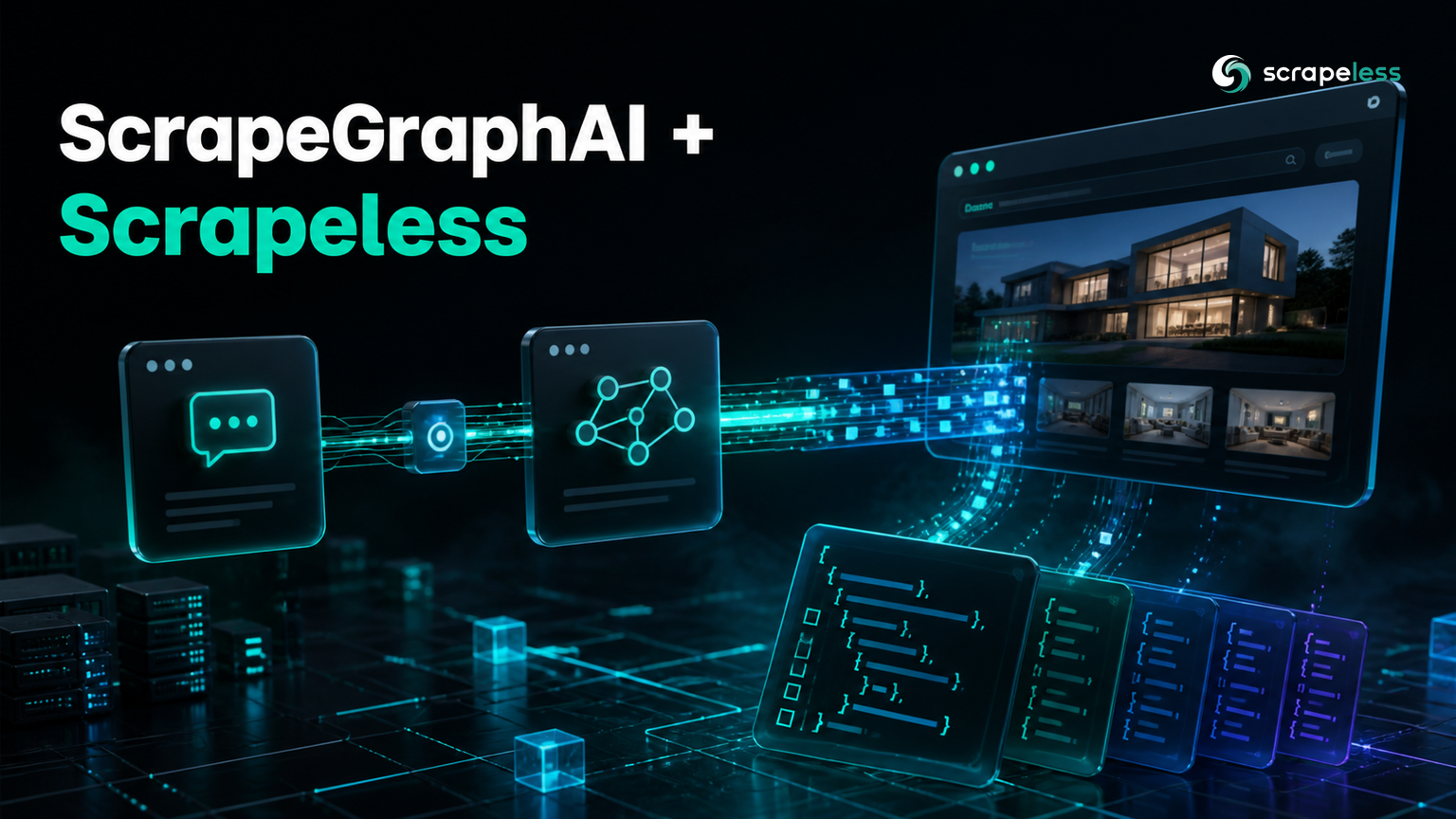
ScrapeGraphAI + Scrapeless: Point SmartScraperGraph at a Cloud Browser

Advanced Data Extraction Specialist
TL;DR:
- ScrapeGraphAI extracts with a prompt instead of selectors, but the fetching underneath is an ordinary Playwright browser launched on your own machine.
pip install scrapegraphaigives you the Playwright client and no browser binary, so the stock loader fails on a fresh install until you also runplaywright install chromium.ChromiumLoaderpicks its fetch method withgetattr(self, f"ascrape_{self.backend}"), sobackendnames a method rather than choosing from a fixed list — that is the seam a custom fetch backend hangs on.- A short subclass with an
ascrape_scrapelessmethod fetches through the Scrapeless Scraping Browser over awss://CDP connection and needs no browser installed locally. FetchNodeimportsChromiumLoaderby name, so rebindingfetch_node.ChromiumLoaderis what makes the graph actually use your subclass. Skip that and a correct-looking loader is silently ignored.- The whole pipeline runs on a local model:
SmartScraperGraphwithollama/qwen2.5:0.5breturned structured author-and-quote pairs with no cloud model key. - Start on the Scrapeless free plan and move the fetch off your laptop.
The Scrapeless Scraping Browser is a cloud browser you connect to rather than launch. It listens on a secure WebSocket CDP endpoint, which matters here because ScrapeGraphAI's fetch layer is Playwright underneath and Playwright can attach to a browser it did not start.
ScrapeGraphAI is the part of the pipeline people talk about: describe what you want in a sentence, and a graph of nodes turns a page into structured JSON without a single CSS selector. The part nobody talks about is the first node. Before any model sees anything, FetchNode has to produce HTML, and it does that by launching Chromium on whatever machine the script is running on. Every tutorial on the first page of search results configures that node exactly one way, with a proxy dictionary, and stops there.
This guide goes at the fetch layer instead: where it lives, what the actual extension point is, and how to route it through a cloud browser. Every block below ran live, including the extraction.
Where ScrapeGraphAI's Fetch Layer Actually Lives
FetchNode is the entry node of nearly every graph, and it ends in one of a handful of branches. If you set browser_base, scrape_do, or plasmate in the node config, it hands off to a vendor loader in scrapegraphai/docloaders/. Otherwise it falls through to ChromiumLoader, which is the default path and the one nearly everyone uses.
That fallback matters for two reasons. Vendor fetch backends are already an established shape in this codebase rather than something you are inventing — browser_base.py and scrape_do.py ship in the repo. And ChromiumLoader chooses its own fetch method by name:
python
scraping_fn = getattr(self, f"ascrape_{self.backend}")backend is not validated against a fixed enum. It is string interpolation into an attribute lookup, so any method called ascrape_<something> becomes reachable by setting backend to <something>. That is the seam.
The default ascrape_playwright calls p.chromium.launch(...), which starts a browser process locally. Swapping that for a WebSocket connection to an already-running browser is a change of one call.
Prerequisites
- Python 3.10 or later.
- A Scrapeless API key from the dashboard, exported as
SCRAPELESS_KEY. - Ollama running locally with a pulled model, if you want to follow the extraction step without a cloud model key.
- No local browser binary is required for the cloud path. You only need one if you also want to run the stock loader.
Install
bash
pip install "scrapegraphai==2.1.6" "langchain-ollama==1.1.0"Playwright arrives as a dependency, but its browsers do not. That distinction causes the first failure most people hit.
bash
export SCRAPELESS_KEY="your_api_key_here"What a Fresh Install Actually Fetches
Run the stock loader immediately after installing and it does not reach the page at all.
python
from scrapegraphai.docloaders import ChromiumLoader

try:
    docs = ChromiumLoader(["https://quotes.toscrape.com/"], headless=True).load()
    print("chars:", len(docs[0].page_content))
except Exception as exc:
    print(f"{type(exc).__name__}: {str(exc).split(' at /')[0]}")
text
RuntimeError: Failed to scrape after 1 attempts: BrowserType.launch: Executable doesn't existThe Playwright client is installed; the Chromium it wants to launch is not. playwright install chromium fixes it and costs a few hundred megabytes on every machine that runs the graph — a CI image, a container, each developer laptop. The cloud path skips that entirely, because the browser it drives is already running somewhere else.
Point the Loader at a Cloud Browser
Subclass ChromiumLoader, add one method named for the backend you want, and rebind self.backend after super().__init__ has run.
python
import os

from scrapegraphai.docloaders import ChromiumLoader

CDP = (
    "wss://browser.scrapeless.com/api/v2/browser"
    f"?token={os.environ['SCRAPELESS_KEY']}&sessionTTL=180&proxyCountry=ANY"
)


class ScrapelessLoader(ChromiumLoader):
    """Fetch through a remote CDP browser instead of launching one locally."""

    def __init__(self, urls, **kwargs):
        kwargs.pop("backend", None)
        super().__init__(urls, backend="playwright", **kwargs)
        self.backend = "scrapeless"

    async def ascrape_scrapeless(self, url: str, browser_name: str = "chromium") -> str:
        from playwright.async_api import async_playwright

        async with async_playwright() as p:
            browser = await p.chromium.connect_over_cdp(CDP)
            page = await browser.new_page()
            await page.goto(url, wait_until=self.load_state)
            html = await page.content()
            await browser.close()
            return html


loader = ScrapelessLoader(["https://quotes.toscrape.com/"])
print("dispatches to:", getattr(loader, f"ascrape_{loader.backend}").__name__)
docs = loader.load()
print("chars:", len(docs[0].page_content))
print("Einstein present:", "Einstein" in docs[0].page_content)
Two details do the work. super().__init__ is called with backend="playwright" because the constructor runs an import check against that string, and playwright is the name that resolves; self.backend is then reassigned so the dispatch in lazy_load finds ascrape_scrapeless. Keep browser_name in the signature with a default — the dispatcher calls the method with the URL alone.
text
dispatches to: ascrape_scrapeless
chars: 10968
Einstein present: True
The page comes back fully rendered from a browser that never existed on this machine. proxyCountry accepts a two-letter code when you need the request to egress from a particular country, and sessionTTL bounds how long the remote session stays open.
Make the Graph Use It
Instantiating the subclass yourself proves the fetch works, but the graph will not pick it up on its own. FetchNode does from ..docloaders import ChromiumLoader and then calls that name directly, so the class the graph uses is the one bound in the node's module namespace. Rebind it before building the graph.
python
import scrapegraphai.nodes.fetch_node as fetch_node

fetch_node.ChromiumLoader = ScrapelessLoader
This is the step that decides whether any of the above has an effect. A subclass that is written correctly but never bound produces a graph that runs, succeeds, and quietly fetches through the local browser the whole time.
Because the replacement keeps the same constructor signature, everything FetchNode already passes — headless, storage_state, and anything you put in loader_kwargs — continues to arrive intact.
Ready to move the fetch off your own machines? Create a free Scrapeless account and point your first graph at it.
Run the Whole Graph on a Local Model
With the loader bound, SmartScraperGraph behaves normally. Pointing the llm block at Ollama keeps the entire pipeline off paid APIs, which makes the fetch layer cheap to iterate on.
python
import os

import scrapegraphai.nodes.fetch_node as fetch_node
from scrapegraphai.docloaders import ChromiumLoader
from scrapegraphai.graphs import SmartScraperGraph

CDP = (
    "wss://browser.scrapeless.com/api/v2/browser"
    f"?token={os.environ['SCRAPELESS_KEY']}&sessionTTL=180&proxyCountry=ANY"
)


class ScrapelessLoader(ChromiumLoader):
    def __init__(self, urls, **kwargs):
        kwargs.pop("backend", None)
        super().__init__(urls, backend="playwright", **kwargs)
        self.backend = "scrapeless"

    async def ascrape_scrapeless(self, url: str, browser_name: str = "chromium") -> str:
        from playwright.async_api import async_playwright

        async with async_playwright() as p:
            browser = await p.chromium.connect_over_cdp(CDP)
            page = await browser.new_page()
            await page.goto(url, wait_until=self.load_state)
            html = await page.content()
            await browser.close()
            return html


fetch_node.ChromiumLoader = ScrapelessLoader

graph = SmartScraperGraph(
    prompt="List the quote authors on this page.",
    source="https://quotes.toscrape.com/",
    config={
        "llm": {
            "model": "ollama/qwen2.5:0.5b",
            "temperature": 0,
            "format": "json",
            "model_tokens": 4096,
        },
        "verbose": False,
        "headless": True,
    },
)
result = graph.run()
print("keys:", sorted(result))
print("authors:", [item["author"] for item in result["content"]][:4])
text
keys: ['content']
authors: ['Albert Einstein', 'J.K. Rowling', 'Jane Austen', 'Marilyn Monroe']
The authors come back correct and the structure is right. Quote text from this model is less reliable — a 0.5B parameter model clips and merges strings on a long list — but the fetch layer delivered the whole page, and the model is the limiting factor rather than the pipeline. Move the model key to a larger local model or a hosted one and the same graph produces cleaner text through the same loader.
Structured output at all is the point here: the graph reads the parsed HTML document the remote browser rendered, not the raw markup a plain HTTP client would have received. Setting format to json asks the model for output conforming to the JSON interchange format, which is what makes the result directly subscriptable rather than a string you have to parse.
Conclusion
ScrapeGraphAI's fetch layer is more configurable than the tutorials suggest, and the configuration point is not loader_kwargs — it is the backend string, which resolves to a method name. One subclass with an ascrape_scrapeless method moves fetching to a cloud browser, and one rebinding of fetch_node.ChromiumLoader makes the graph use it.
Check the rebinding first if results look unchanged. A subclass that is never bound fails silently rather than loudly, and the symptom is a graph that works exactly as well as it did before. Confirming the loader on its own, as in the middle step above, separates a fetch problem from a model problem in one run.
For where browser control is heading as a standard, the WebDriver BiDi specification is worth tracking. The Playwright and Scraping Browser guide covers the connection itself in more depth, plan details are on the Scrapeless pricing page, and session parameters are in the Scrapeless documentation.
FAQ
Q: Do I need to install a browser to use the cloud path?
No. pip install scrapegraphai provides the Playwright client, which is all that connect_over_cdp needs, because the browser being driven is already running remotely. You only need playwright install chromium if you also want to run the stock local loader.
Q: Why does my custom loader get ignored by the graph?
Almost always because fetch_node.ChromiumLoader was never rebound. FetchNode imports the class by name and calls that name, so subclassing alone changes nothing — the node keeps constructing the original class. Rebind the attribute on the module before you build the graph.
Q: Can I use loader_kwargs instead of a subclass?
For proxies and browser launch options, yes — loader_kwargs flows straight into ChromiumLoader. It cannot redirect the fetch to a remote browser, though, because the stock method calls chromium.launch(), which always starts a local process. Changing the destination means changing the method, which means a subclass.
Q: Does this work with graphs other than SmartScraperGraph?
Yes. The rebinding happens at the node level, and FetchNode is the entry node for the other graph types too, so any graph that fetches a URL goes through the same loader once the attribute is bound.
Q: What does sessionTTL control?
How long the remote browser session stays open, in seconds. Set it comfortably above the time a single fetch takes; the session closes when the connection ends or the window expires, whichever comes first.
Q: Can I keep cookies or a logged-in session across fetches?
storage_state is already passed through by FetchNode and reaches the subclass constructor unchanged, so the standard Playwright storage-state file works. Apply it when creating the context on the remote browser rather than at launch, since the remote browser is not launched by your code.
Q: Is a 0.5B local model good enough for real extraction?
For short pages with a simple shape, it produces usable structure, as above. Longer pages and nested schemas are where it degrades — text gets clipped and fields get merged. Treat a small local model as a way to iterate on the fetch layer cheaply, then switch the model key for production runs.
At Scrapeless, we only access publicly available data while strictly complying with applicable laws, regulations, and website privacy policies. The content in this blog is for demonstration purposes only and does not involve any illegal or infringing activities. We make no guarantees and disclaim all liability for the use of information from this blog or third-party links. Before engaging in any scraping activities, consult your legal advisor and review the target website's terms of service or obtain the necessary permissions.